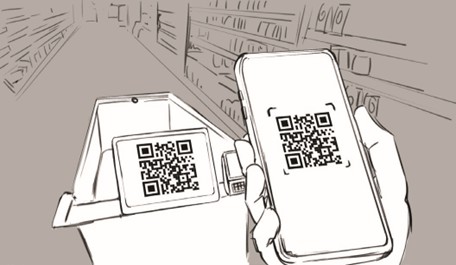
Users register an account via Self Cart mobile application
At the store, they scan the QR code on the shopping cart tablet to link their account.
Users register an account via Self Cart mobile application
At the store, they scan the QR code on the shopping cart tablet to link their account.
Before visiting the store, users can make a shopping list in the Self Cart mobile app.
When the user links their account to a shopping cart at the store, the shopping list automatically appears on the tablet screen.
The AI-based vision system in Self Cart operates in two distinct modes depending on the user’s action:
When a user adds a product to the cart, the AI system automatically:
➡️ Detects that a product has been added.
➡️Captures an image of the product
➡️ Identifies the product using the object detection model and the object recognition model.
➡️ Verifies the product’s weight using the load cell.
If detected product and weight match, the item is added to the cart’s list and the total price updates in real time.

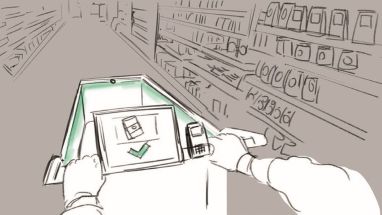
⚠️ If the weight does not match the detected product, the system requests the user to scan the product’s barcode manually.
After barcode confirmation, the product is added to the cart.
Adds the product to the cart’s list and updates the total price in real time.
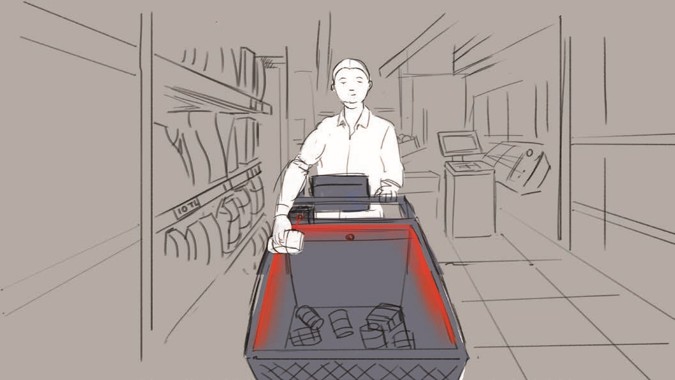
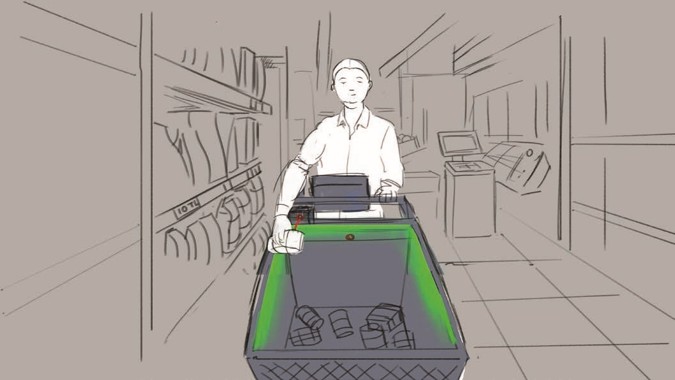
When a user removes a product from the cart:
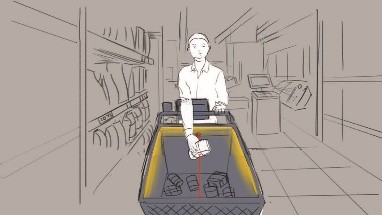
➡️ The user must hold the product in front of the camera before taking it out.
➡️ The system captures an image to identify the product.
➡️ AI verifies that the correct product is being removed.
➡️ The load cell checks for weight change to confirm removal.
If verified, the product is deducted from the shopping cart list, and the total price updates accordingly.
If not recognized correctly, the system notifies the user to re-scan the product before removing it.
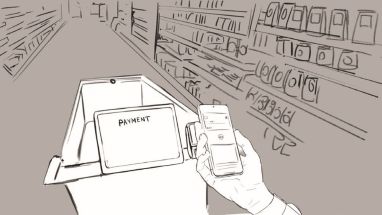
Users can pay directly on the cart via contactless payment, or credit card.
Alternatively, they can complete the transaction through the Self Cart mobile application.